CodiumAI is an IDE extension that allows you to generate test suites.
CodiumAI analyzes the entirety of your code and then suggests tests as you code.
CodiumAI's main vision is to help developers create better code faster.
To use CodiumAI, you will need:
VS Code or JetBrains IDE installed on your laptop.
Go to CodiumAI and download CodiumAI on your laptop.
This tutorial uses Visual Studio Code with Java.
Once you have Visual Studio Code installed on your laptop, on CodiumAI, select the option to download the free version of your Visual Studio Code.
How to use CodiumAI on Visual Studio Code
Create a Java project on your Visual Studio Code called CodiumAI_Project.
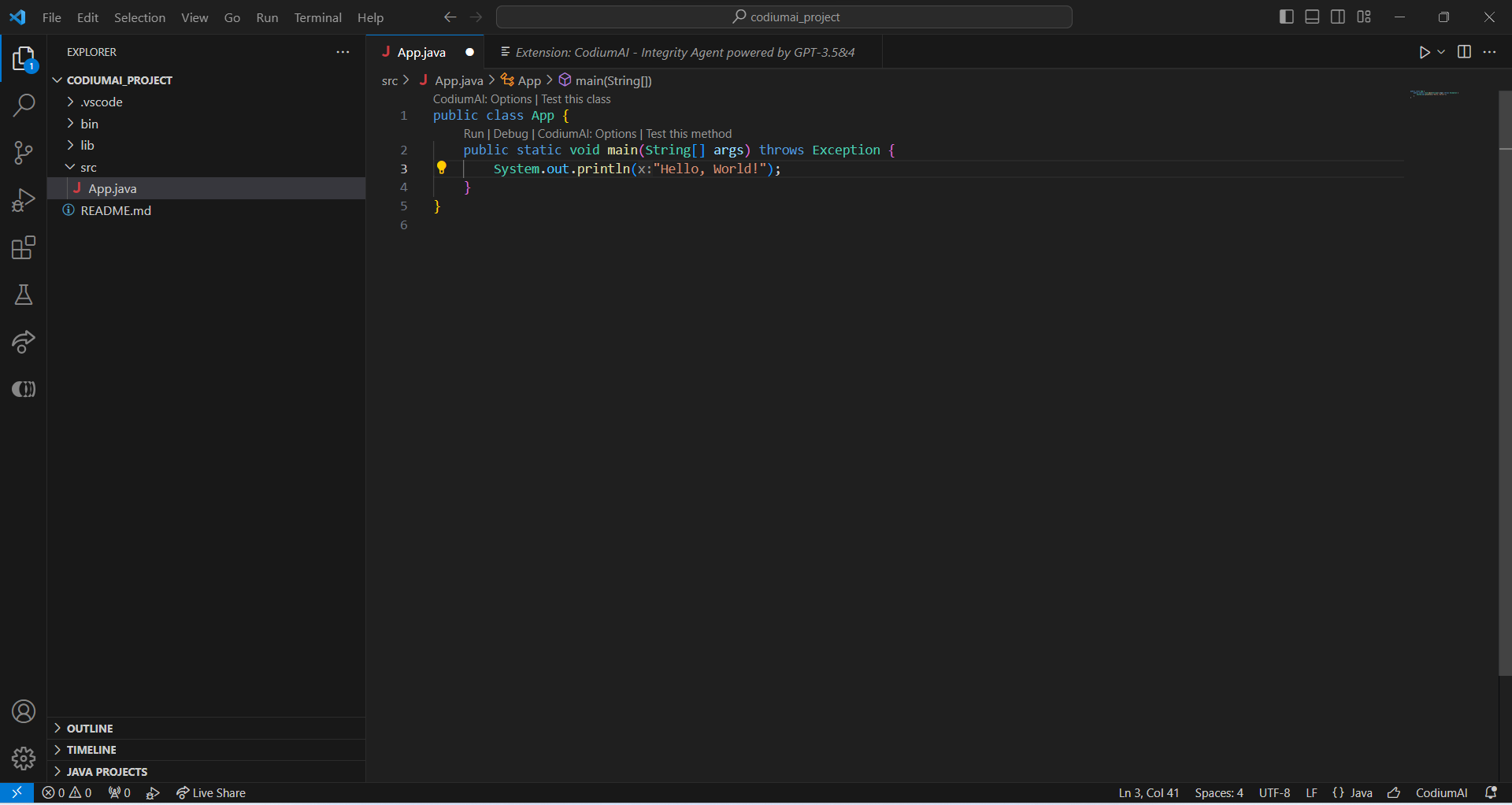
Once you have created your project, open it on your Visual Studio Code.
This is what you should see:
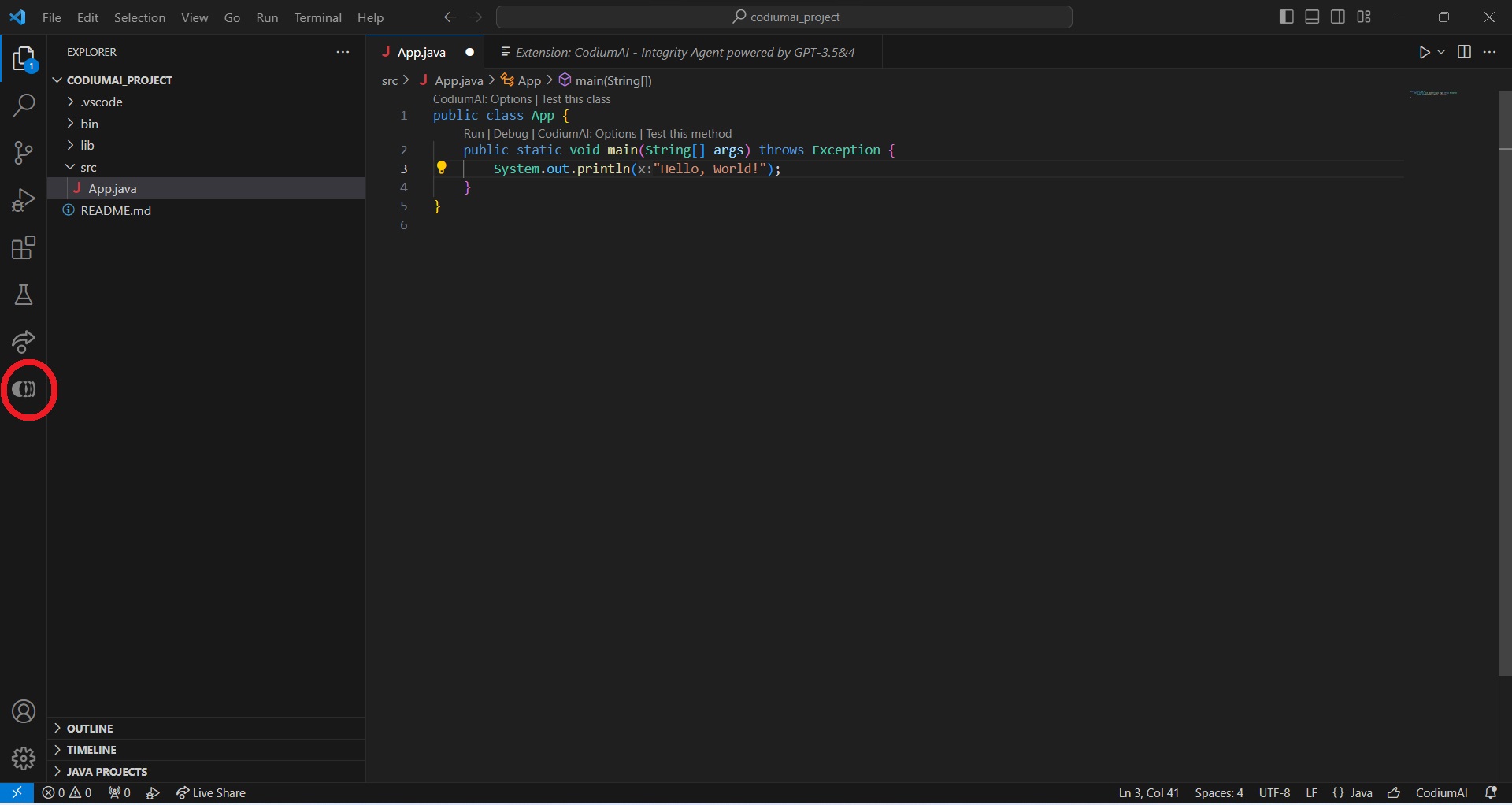
Select the CodiumAI icon at the bottom of the left sidebar to use CodiumAI on Visual Studio Code:
At the bottom, select No Context. Selecting No Context allows you to ask a question without context. For example, you can ask CodiumAI to generate a class called Vehicle with brand, colour and purpose_of_use as private fields.
The code generated will initially be written in Python like this:

class Vehicle:
    def __init__(self, brand, colour, purpose_of_use):
        self.__brand = brand
        self.__colour = colour
        self.__purpose_of_use = purpose_of_use

    # getter methods
    def get_brand(self):
        return self.__brand

    def get_colour(self):
        return self.__colour

    def get_purpose_of_use(self):
        return self.__purpose_of_use

    # setter methods
    def set_brand(self, brand):
        self.__brand = brand

    def set_colour(self, colour):
        self.__colour = colour

    def set_purpose_of_use(self, purpose_of_use):
        self.__purpose_of_use = purpose_of_use
CodiumAI allows you to translate code from one programming language to another. Since this tutorial uses Java, you can translate the Python-generated code into Java.
Select Continue this chat, and ask CodiumAI to change the code to Java.

public class Vehicle {
    private String brand;
    private String colour;
    private String purposeOfUse;

    // constructor
    public Vehicle(String brand, String colour, String purposeOfUse) {
        this.brand = brand;
        this.colour = colour;
        this.purposeOfUse = purposeOfUse;
    }

    // getter methods
    public String getBrand() {
        return this.brand;
    }

    public String getColour() {
        return this.colour;
    }

    public String getPurposeOfUse() {
        return this.purposeOfUse;
    }

    // setter methods
    public void setBrand(String brand) {
        this.brand = brand;
    }

    public void setColour(String colour) {
        this.colour = colour;
    }

    public void setPurposeOfUse(String purposeOfUse) {
        this.purposeOfUse = purposeOfUse;
    }
}
With CodiumAI, you can generate a test suite for your desired code. Select Continue this chat, and ask CodiumAI to generate tests for the above class Vehicle.
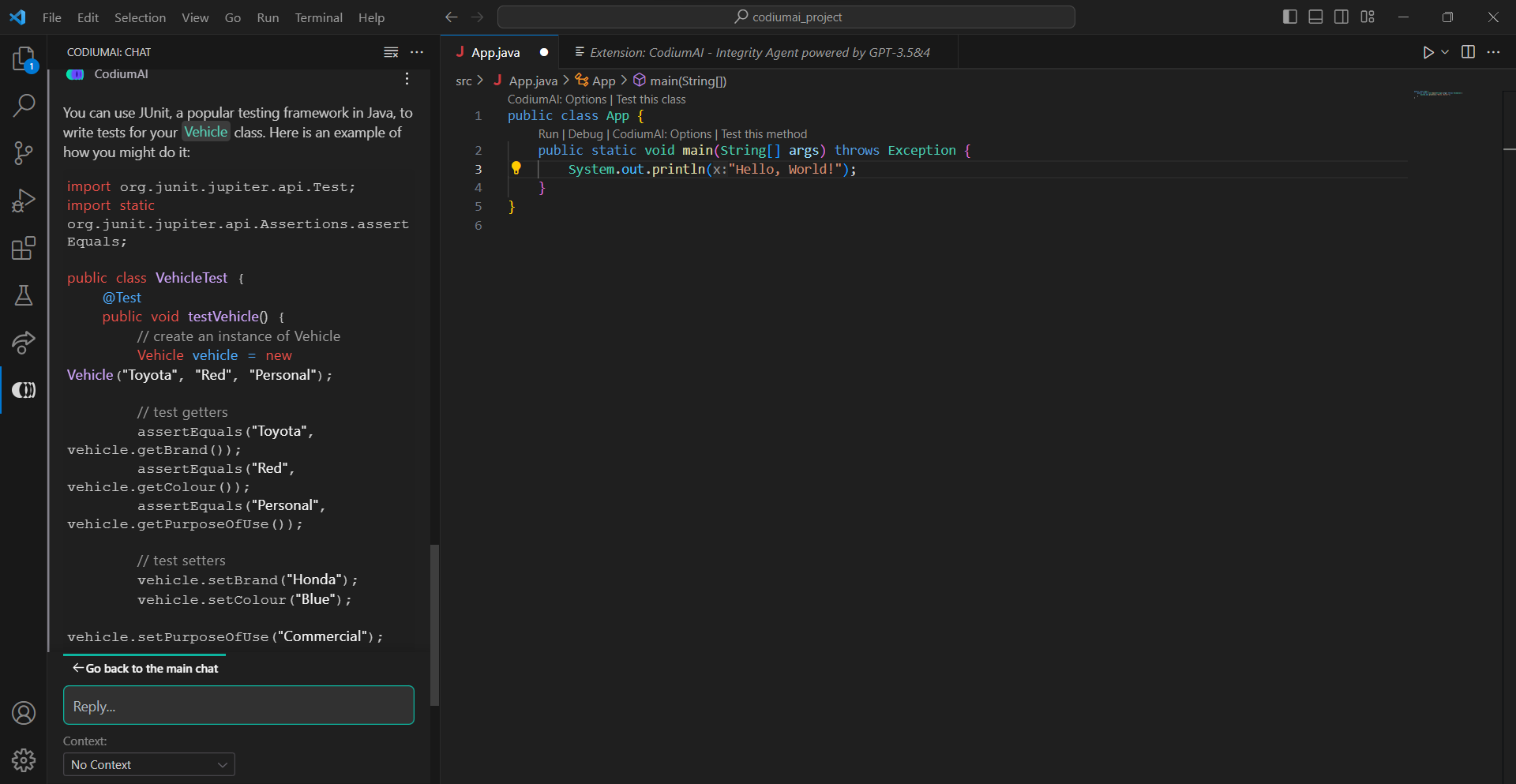
import org.junit.jupiter.api.Test;
import static org.junit.jupiter.api.Assertions.assertEquals;

public class VehicleTest {
    @Test
    public void testVehicle() {
        // create an instance of Vehicle
        Vehicle vehicle = new Vehicle("Toyota", "Red", "Personal");

        // test getters
        assertEquals("Toyota", vehicle.getBrand());
        assertEquals("Red", vehicle.getColour());
        assertEquals("Personal", vehicle.getPurposeOfUse());

        // test setters
        vehicle.setBrand("Honda");
        vehicle.setColour("Blue");
        vehicle.setPurposeOfUse("Commercial");

        assertEquals("Honda", vehicle.getBrand());
        assertEquals("Blue", vehicle.getColour());
        assertEquals("Commercial", vehicle.getPurposeOfUse());
    }
}
CodiumAI features
CodiumAI:
AlphaCodium: a test-based, multi-stage, code-oriented iterative flow that improves the performance of LLMs on code problems.
Supports any language, even though advanced features are available in Python, JavaScript, TypeScript, and Java.
Allows you to spend more time writing core features instead of tests.
Helps you create bug-free software by thoroughly analyzing your code for edge cases.
To start using CodiumAI, refer to the CodiumAI website.
Further reading:
AlphaCodium: State-of-the-art generation code.
IntegrityAgent: Build Fast with Confidence using CodiumAI.
CodiumAI Developer's Hub.
About the author
Software engineer turned technical writer.
Comments
Join the discussionNo comments yet. Be the first to comment.